

 LinkedIn
Your best-converting landing page may be the least citable page on your site. I know the pattern because I’ve built it: thin copy, one CTA, a big promise, and the specifics saved for the sales call. The page works for a visitor who already clicked an ad. It gives an AI Overview very little it can quote. This is the checklist I run before publishing or republishing a commercial page: keep the pitch and message match, but put a direct answer, defensible specifics, and visible proof where an engine can read them. Work from the target query down. If the answer is missing or hidden, polishing schema and internal links will not rescue it. Tools can check whether the page is readable; they cannot decide what the business can honestly promise. Keep the page open as you go, and do not mark an item complete because it appeared in the design mockup.
Choose the query and the passage
-
Write one target query at the top of the draft. Use the commercial question this page can actually answer, such as
how much does [service] cost in [city]orbest [product] for [use case]. “Homepage keywords” is not a query. If the page serves several offers, choose the one question this URL should answer before editing the copy. Otherwise, each section will pull toward a different answer and none will stand alone. -
Check whether the page already ranks for that query or a close variant. Prioritize pages in positions 1–10 rather than assuming a cleaner paragraph can overcome any ranking gap. Ranking helps a page enter the set of candidates; structure gives an engine something to extract. The Ten Speed guide to AI Overview eligibility makes that distinction useful. A lower-ranking page may still be worth fixing, but do not mistake a copy edit for a visibility plan.
-
Read only the heading and its first two sentences. Do they answer the query without the rest of the page, the ad, or the brand name in a browser tab? If not, rewrite them before touching the sections below. This is the citation test: a passage must survive being lifted out of context. A heading that says “Built for your next chapter” may suit a deck. It does not tell a reader what the service costs.
Make the answer visible to a crawler
-
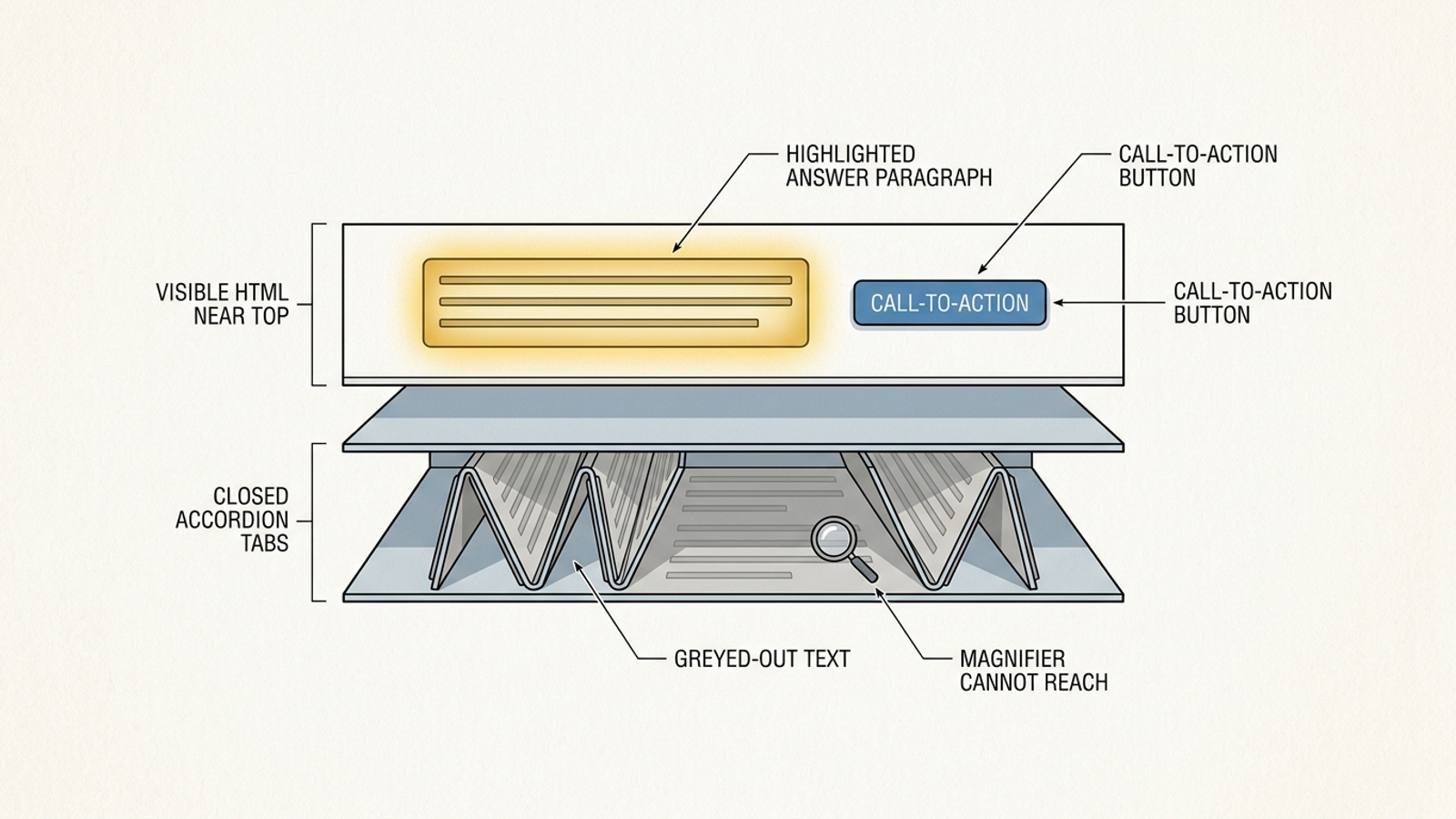
Put the full answer in the initial HTML. Check page source, not just the polished page in your browser. The answer should not require a tab, accordion, slider, or click to appear. Page builders make it easy to hide the most useful copy behind a neat interface; that is why I check this before wordsmithing. If the builder injects the answer on interaction, move the passage into visible page content. Use the curl and CDN audit for a closer look at what crawlers receive.
-
Check the page’s crawl settings and response. Confirm that the URL returns a 200 response,
robots.txtdoes not disallow the page for Googlebot, and neither the page nor its response sends anoindexdirective. Check any other crawler you intend to allow rather than assuming every bot follows the same rules. A perfect answer on a blocked URL is still a blocked answer. Record the final published URL, not only the preview link from your page builder. -
Test the published page with JavaScript disabled, then inspect it in Search Console. The answer should still read clearly, and URL Inspection should show the key text. If it disappears, move that block to server-side rendering where possible. The Search Engine Land guide to AI and LLM optimization covers the underlying checks. A render test is not a writing test: it tells you whether the words arrive, not whether anyone would quote them.
Write a passage that survives copy-paste
-
Place a 40–60-word answer under a question-shaped heading near the top. Aim for two to four sentences, with the answer in sentence one and supporting detail after it. Count the words. The answer-block guidance is useful here because it treats the passage as a unit an engine can lift. Do not bury it after a company story, and do not let it push the primary CTA out of sight. Both jobs matter.
-
Replace context-dependent pronouns inside that block. Name the product, service, or location instead of making a quoted reader work out what it or they means. You do not need to repeat the brand in every sentence; you do need a passage that makes sense without the preceding paragraph. Read it aloud on its own. If you have to explain what a noun refers to, the block is not finished.
-
Lead with the conclusion, then give the reason. If the query asks for a timeframe, state the timeframe before explaining what changes it. If it asks who the offer fits, name that group before listing features. This is not an invitation to strip out useful qualifications. Put the qualification beside the claim it limits, so the lifted answer does not promise more than the page can deliver.
-
Give each paragraph below the answer one clear claim. When you have a defensible number, attach it to the relevant price, range, timeframe, or result instead of dropping it into a separate proof section. A paragraph should remain understandable if an engine extracts only that paragraph. The landing-page advice on quotable specifics is a better model than stacking generic benefits until the reader reaches a form.
Replace vague promises with usable specifics
-
Open each substantive section with its strongest defensible detail. A price, range, timeframe, or named location gives the reader something to use; “seamless onboarding” does not. The examples in this landing-page guide use concrete spans such as 6–12 weeks plus 2–4 for custom integrations, and 3–5 days for standard shipping. Those are examples, not numbers to borrow. Use only figures that describe your offer.
-
State prices, ranges, timeframes, and service locations in plain text when you can stand behind them. Do not make a reader book a call to learn a detail the page could answer. If pricing is custom, publish a starting price or typical range only if one is honest for this offer. “Flexible pricing” is not a substitute for a number you know. The same rule applies to “nationwide” when the actual service area is narrower.
-
Replace one adjective-heavy comparison with a small table. Use three to five rows if the options warrant them, and label practical differences such as fit, effort, and pricing model. Keep the table readable on mobile and make every cell a claim you would be comfortable seeing quoted alone. This is not a place to invent a weaker competitor. A useful table helps the visitor decide; an extraction-friendly format is the side benefit.
-
Date every statistic and proof point. Put the date and source beside the result rather than in a footnote nobody can connect to it. “As of October 2026” tells a reader when a number applied; an undated percentage could describe last month or a different offer entirely. Set a reminder to review dated claims as they age. Freshness work is maintenance, not permission to quietly change an old result into a new one.
Remove entity confusion without treating schema as magic
-
Keep the business name, address, and phone number consistent wherever they appear. Compare the landing page, Contact page, footer, and Google Business Profile. If an address or phone number has changed, fix the visible pages before generating markup from them. Consistent NAP helps remove ambiguity about which business the page represents. Software can flag a mismatch; a person still has to decide which record is right.
-
Add Organization markup with
sameAslinks to profiles you control. Check that the business identity in the JSON-LD matches the visible page, then test the markup in the Rich Results Test. Do not add a profile simply to make the list longer. Technical SEO guidance for AI Overviews also points to breadcrumbs and consistent About and Contact information. None of it guarantees a citation; it makes a muddled entity easier to understand. -
Add Product, Service, or FAQ schema only where the page shows the same information. Read each markup claim against the visible copy. Hidden or gated answers do not become useful just because they appear in JSON-LD. Google does not require special markup for AI Overviews, so do not let schema work displace the answer passage. For the broader page method, see how to make one page easier to cite.
Connect the page to its subject
- Point two or three related explainers at the money page with descriptive anchor text. Use the topic or use case in the link, make the page’s place in the site clear with breadcrumbs, and check that the page is not an orphan. The technical SEO checklist covers those connections. Paid traffic can reach an unlinked page through an ad. That does not mean the rest of the site should pretend the page does not exist.
Protect the conversion path
-
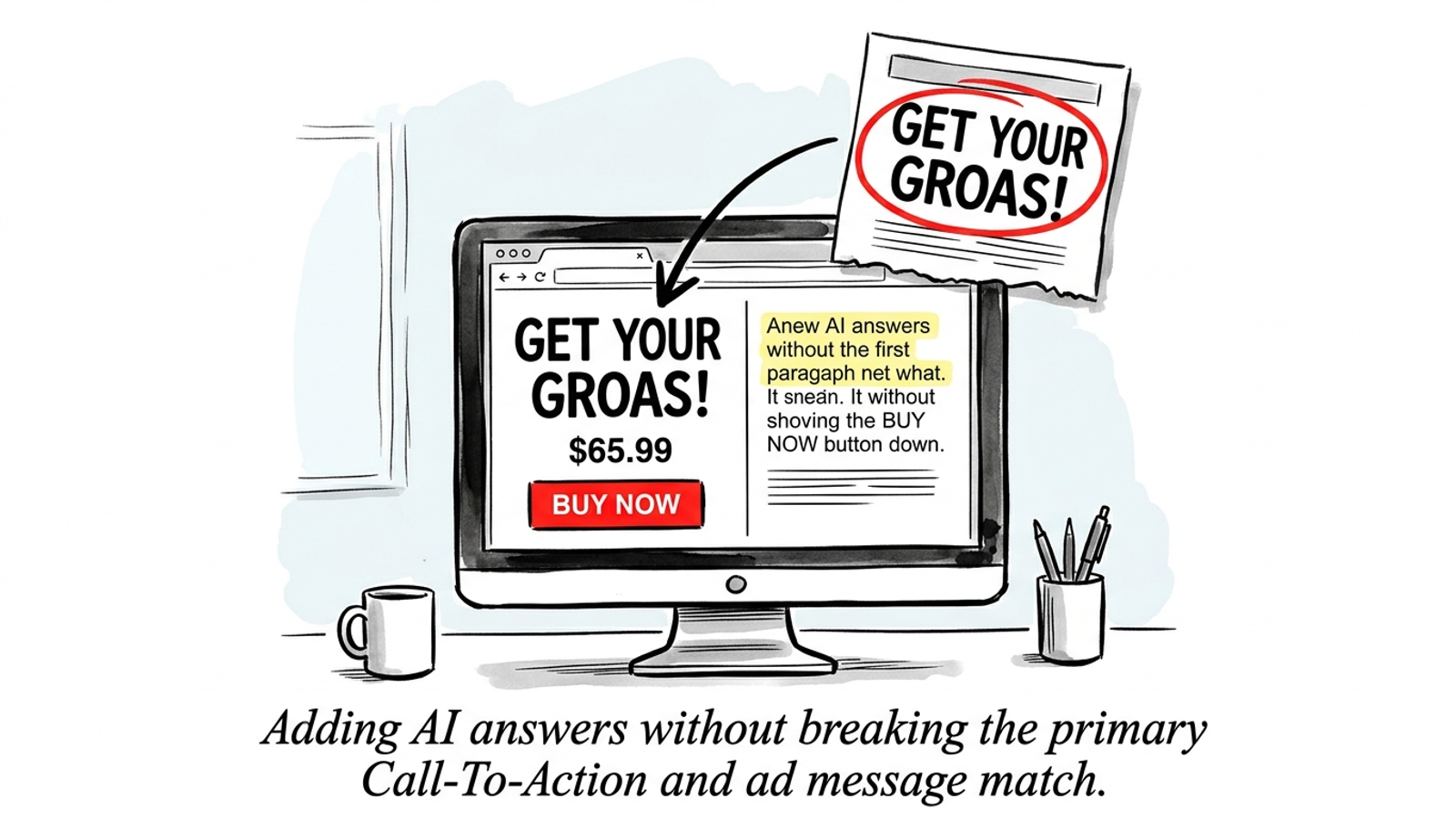
Keep the primary CTA visible in the first screen alongside the answer. Check desktop and mobile, not only the width used in the mockup. A side-by-side layout can work on desktop; on mobile, stack the CTA before the answer if the answer would bury the button. The conversion guardrails for AI-referred visitors are the right constraint: a possible citation is not worth making the action harder for the paid visitor already there.
-
Keep the headline matched to the ad sending paid traffic. Preserve the core promise and the key terms the visitor clicked; put the question-shaped answer heading beneath it rather than rewriting the whole page around an Overview query. Check the finished page against the live ad group. If the ad promises one thing and the landing page opens on another, the new answer block has solved the wrong problem.
-
Put proof and the next likely question on the same page. Show a dated result with numbers near the top if you have one, then answer the relevant pricing, timeframe, or integration question below. Do not replace those answers with another generic invitation to talk. If you are deciding where to put this work first, use which AI engine to target first. The page still has one job: help a visitor decide whether to act.
Publish, then check what actually happened
- Set an owner and recheck the target query in 2–4 weeks. Save the query, URL, location, passage version, and a screenshot showing whether an Overview appeared and whether it cited the page. If it did, note the passage it used; if it did not, adjust the passage and check again. Track citations at the query level, keep
dateModifiedhonest, and review dated statistics every 60–90 days; citations can change. This is the check most teams skip. Without it, you can ship 21 fixes and never learn whether the page earned a citation—or whether the work needs another pass.