

 LinkedIn
![A rubber stamp lifts from a fresh red "[PRICE]" print beside a tray of placeholder stamps, framing AI-ready copy as reusable fill-in templates.](https://pub-87da24ecbbfc4c3bad6875f3aa013712.r2.dev/generated-images/9e5451f8-de12-41dd-8ca9-7d6089c5379a.png)
Getting cited by ChatGPT or AI Overviews is mostly a copywriting problem, not a tooling problem: give one question one specific answer in the first 40 words, with a number that stands on its own. Copy the blocks below, replace the [BRACKETED PLACEHOLDERS] with your facts, and make the one adjustment beneath each before you ship.
Block 1: Put the answer before the explanation
When to use it: At the top of a service, product, or location page when the page answers a question customers actually ask. Give the answer its own heading; save the detail for the next paragraph.
<h2>[QUESTION CUSTOMERS ACTUALLY ASK]</h2>
<p>[PRODUCT OR SERVICE] costs [NUMBER + UNIT] for [SCOPE], including [INCLUSION 1] and [INCLUSION 2]. Most [CUSTOMER TYPE] pay [RANGE] when [COMMON CONDITION]. [EXCLUSION] costs [NUMBER] extra. Updated [MONTH YEAR].</p>
The one adjustment: Put the number in the first sentence. I used to tell clients to build up to price. I was wrong. If the answer buries price in paragraph four, the useful sentence is harder to lift.
Block 2: Say who should skip the offer
When to use it: Directly under Block 1 when the offer attracts the wrong buyer. A plain fit statement helps answer “is this right for me?” without making the reader guess.
Best for: [CUSTOMER TYPE] with [SPECIFIC CONDITION].
Skip if: [DISQUALIFIER 1] or [DISQUALIFIER 2].
Alternative: If [DISQUALIFIER], choose [ALTERNATIVE YOU OFFER] instead.
The one adjustment: Name a real disqualifier, preferably one a buyer can check. “For any business” tells nobody whether to call. An honest skip line can stop the wrong enquiry before it starts.
Block 3: Give every number its context
When to use it: Anywhere you claim a price, speed, coverage area, or outcome. A number needs a unit, scope, and date to make sense outside its paragraph.
[OUTCOME] in [TIMEFRAME]: [NUMBER + UNIT] for [SCOPE].
Price includes: [ITEM 1], [ITEM 2]. Excludes: [ITEM] at [PRICE].
Service area: [TOWNS SERVED]. Updated [MONTH YEAR].
The one adjustment: Replace the adjective with a count. What the deck calls “fast response,” I call an answer-time average with a sample and a month. A number without scope is decoration.
Block 4: Define the term without a history lesson
When to use it: On a glossary, FAQ, or category page that answers “what is [TERM]?” Put the definition first, then explain the background. The FAQ documentation is useful when the same question also appears in markup.
[TERM] in [INDUSTRY OR CITY] means [ONE-SENTENCE DEFINITION WITH KEY CONSTRAINT]. It includes [PART 1] and [PART 2], but excludes [EXCLUSION]. It costs [RANGE] and takes [TIMEFRAME]. Choose [OPTION A] when [CONDITION]; choose [OPTION B] when [CONDITION].
The one adjustment: Keep the first answer under 60 words. Put the origin story in paragraph two. I used to open with history; it made readers work to find the definition.
Block 5: Make the comparison table decide something
When to use it: In the middle of a category or versus page when the buyer needs to choose between options. Compare fit, cost, and time rather than stacking features.
<table>
  <tr><th>Option</th><th>Best when</th><th>Cost [UNIT]</th><th>Time [UNIT]</th><th>Skip if</th></tr>
  <tr><td>[OPTION A]</td><td>[CONDITION]</td><td>[NUMBER]</td><td>[NUMBER + UNIT]</td><td>[CONDITION]</td></tr>
  <tr><td>[OPTION B]</td><td>[CONDITION]</td><td>[NUMBER]</td><td>[NUMBER + UNIT]</td><td>[CONDITION]</td></tr>
</table>
The one adjustment: Make the last column a disqualifier, not a star rating. A buyer can act on “skip if”; a 4.8 versus 4.9 column mostly asks them to squint.
Block 6: Write a price that survives being quoted
When to use it: On pricing, service, and product pages where “starting at” leaves too much for an answer engine—or a buyer—to fill in.
[PLAN OR SERVICE] is [PRICE]/[MONTH, VISIT, OR PROJECT] for [SCOPE].
Includes: [ITEM 1], [ITEM 2]. Excludes: [ITEM] at [PRICE].
Minimum term: [NONE OR NUMBER OF MONTHS]. Updated [MONTH YEAR] at [PAGE URL].
The one adjustment: Add a date and one exclusion. They make the price usable without implying that every buyer gets the same bill. That saves an awkward call later.
Block 7: Put the failure branch in the steps
When to use it: In a how-to section whose current steps name tasks but never say what each one produces. Number them because the order matters.
To [OUTCOME] in [SETTING]:
1. [ACTION] — takes [NUMBER + UNIT]; produces [OBSERVABLE RESULT].
2. [ACTION] — takes [NUMBER + UNIT]; produces [OBSERVABLE RESULT].
3. Check [READING OR SYMPTOM]. If [CONDITION A], [FIX]. If [CONDITION B], stop and [NEXT ACTION].
Total: [NUMBER + UNIT]; cost [PRICE], excluding [ITEM].
The one adjustment: Keep the check step. I used to publish tidy five-step lists that stopped just before the reader’s follow-up question: what if this does not work?
Block 8: Match FAQ markup to the visible answer
When to use it: On a page that already displays the question and answer from Blocks 1 to 4. Google’s FAQ rich-result documentation does not make this a shortcut to a prominent search feature. Markup is no substitute for the answer on the page.
{
  "@context": "https://schema.org",
  "@type": "FAQPage",
  "mainEntity": [{
    "@type": "Question",
    "name": "[EXACT QUESTION SHOWN ON PAGE]",
    "acceptedAnswer": {
      "@type": "Answer",
      "text": "[EXACT ANSWER SHOWN ON PAGE]"
    }
  }]
}
The one adjustment: Use only questions the page visibly answers. Eight copied FAQs on every template are not eight better answers. Keep the markup and the copy aligned.
Block 9: Tie the business name to the right entity
When to use it: On the homepage or About page. Organization markup can connect your name, site, logo, and profiles; include only profiles belonging to the same business.
{
  "@context": "https://schema.org",
  "@type": "Organization",
  "name": "[LEGAL BUSINESS NAME]",
  "url": "https://[DOMAIN]/",
  "logo": "https://[DOMAIN]/logo.png",
  "sameAs": [
    "https://www.linkedin.com/company/[HANDLE]/",
    "https://x.com/[HANDLE]",
    "https://www.crunchbase.com/organization/[HANDLE]",
    "https://www.wikidata.org/wiki/[QID_IF_EXISTS]"
  ]
}
The one adjustment: Delete every sameAs URL that is not you, including placeholder profiles you do not have. Four correct links beat twelve loose ones. This is an identity check, not a scavenger hunt.
Block 10: Keep the marked-up offer identical to the page
When to use it: On the service page where a wrong price would cost you calls. Mark up the offer already stated in Block 6; do not invent one for the schema.
{
  "@context": "https://schema.org",
  "@type": "Service",
  "name": "[SERVICE NAME + CITY]",
  "provider": { "@type": "LocalBusiness", "name": "[BUSINESS NAME]" },
  "areaServed": "[CITY, ST]",
  "offers": {
    "@type": "Offer",
    "price": "[NUMBER]",
    "priceCurrency": "USD",
    "availability": "https://schema.org/InStock",
    "url": "https://[DOMAIN]/[PAGE]/"
  }
}
The one adjustment: Match the visible price. If the page says $189 and the markup says 189.00, fine. If the page says “call for price” and the markup says $99, you have created the confusion yourself.
Block 11: Give the author a page worth visiting
When to use it: On an article with a named author and a real bio page. The person and publication dates in the markup should be the ones readers can verify on the site.
{
  "@context": "https://schema.org",
  "@type": "Article",
  "headline": "[EXACT HEADLINE]",
  "author": {
    "@type": "Person",
    "name": "[AUTHOR NAME]",
    "jobTitle": "[TITLE]",
    "url": "https://[DOMAIN]/team/[NAME]/"
  },
  "datePublished": "[YYYY-MM-DD]",
  "dateModified": "[YYYY-MM-DD]"
}
The one adjustment: Build the bio page first. Include specifics you can stand behind, such as years in the trade, a license number if relevant, and work the author actually did. A thin bio does not become convincing because JSON-LD points to it.
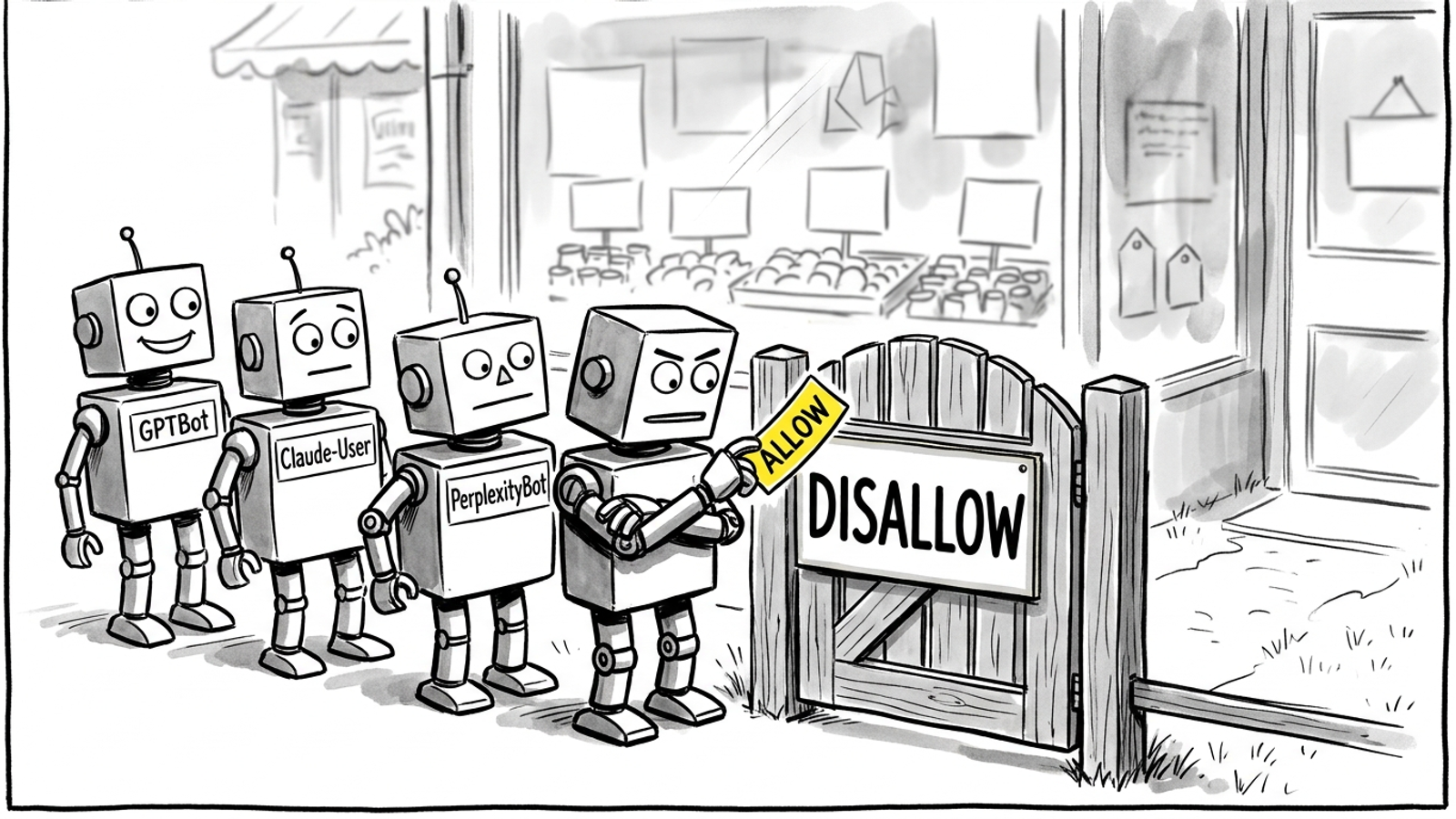
Block 12: Allow the bots that fetch answers
When to use it: When you want the named agents to access your pages. Check these rules against your existing robots.txt; do not paste a second, contradictory policy and assume the new lines win. OpenAI documents its separate bot tokens, and Anthropic documents its Claude tokens.
User-agent: OAI-SearchBot
Allow: /

User-agent: GPTBot
Allow: /

User-agent: ChatGPT-User
Allow: /

User-agent: Claude-SearchBot
Allow: /

User-agent: Claude-User
Allow: /

User-agent: ClaudeBot
Allow: /

User-agent: PerplexityBot
Allow: /

User-agent: Perplexity-User
Allow: /
The one adjustment: Decide search access and training access separately. GPTBot is not OAI-SearchBot; ClaudeBot is not Claude-SearchBot. Check that Googlebot can still crawl the pages. For a per-bot breakdown, use The AI Crawler Swipe File.
Block 13: Do not mistake a training rule for a search rule
When to use it: Before copying a “block all AI bots” snippet. Perplexity distinguishes its crawler from user-requested fetches; OpenAI also distinguishes user-initiated fetches. Google-Extended controls uses separate from the regular Googlebot index.
# Search-facing bots: allow if you want these agents to access pages
User-agent: OAI-SearchBot
Allow: /

User-agent: Claude-SearchBot
Allow: /

User-agent: PerplexityBot
Allow: /

# Separate control; blocking it does not block Googlebot
User-agent: Google-Extended
Disallow: /
The one adjustment: Block training only if you mean to. I decide on GPTBot, ClaudeBot, and Google-Extended separately from search access. A single “block AI” switch conceals the choice you are actually making.

Block 14: Leave the llms.txt map until last
When to use it: After the destination pages have useful answers. An llms.txt file maps key pages in Markdown; an optional /llms-full.txt can provide more material. Reported fetch rates are low, and Google says it does not use llms.txt for Search rankings or AI Overviews. Treat the file as navigation, not a ranking lever.
# [BUSINESS NAME]: [WHAT YOU DO + CITY]
- [SERVICE 1]: https://[DOMAIN]/[PAGE]/ — [PRICE + TIMEFRAME]
- [SERVICE 2]: https://[DOMAIN]/[PAGE]/ — [PRICE + TIMEFRAME]
- Pricing and exclusions: https://[DOMAIN]/pricing/
- Contact and service area: https://[DOMAIN]/contact/
The one adjustment: Fix the destination page first. A tidy map to vague copy still leads to vague copy. I would ship Blocks 1 to 7 before spending an afternoon on this file.
Before you paste: know when copy is not enough
When to use this check: When answers in your category lean on Reddit threads, national publishers, or competitors with deep review histories. Your own clean paragraph cannot, by itself, supply the third-party proof it lacks.
[ ] The page answers a real customer question in its first 40 words.
[ ] Its numbers have scope, units, and dates.
[ ] Its business name and service area are consistent.
[ ] Relevant third-party mentions and reviews support what the page says.
[ ] Any claimed AI bot fetches have been verified.
The one adjustment: Measure verified fetches, not every claimed bot hit. Use the AI bot traffic verification check before declaring a rewrite worked. Copy is the part you control today; proof is not something a template can paste in.
What I would ship first
When to use this order: When you have one afternoon and five money pages, not a month for a new tooling project.
- Put Block 1 and Block 6 on those pages: answer first, price scoped, exclusion stated, date shown.
- Check Block 12 against the existing crawler rules, then add Block 8 only where the visible question and answer match.
- Leave Block 14 until the destination pages are worth sending anyone to.
The one adjustment: Start with the pricing statement. Price is the sentence most likely to cause trouble when it loses context, so Block 6 is the artefact I rate most useful. Paste it first; make the exclusions true; then let the other blocks point to an answer that holds up on its own.
[PLAN OR SERVICE] is [PRICE]/[MONTH, VISIT, OR PROJECT] for [SCOPE].
Includes: [ITEM 1], [ITEM 2]. Excludes: [ITEM] at [PRICE].
Minimum term: [NONE OR NUMBER OF MONTHS]. Updated [MONTH YEAR] at [PAGE URL].