

 LinkedIn
Scene 1: At 1:14 AM, the buyer’s words were in the other window
At 1:14 AM on a Tuesday, a facility maintenance provider’s approved keyword list sat beside a 14,800-row search terms report. This is a typical composite from the spreadsheet era, but it captures a mistake I still see: clients track what they wish customers typed, not what customers actually type. A diner mug had gone cold beside the glare-heavy monitor. On the left were phrases such as “enterprise facility maintenance solutions,” “commercial HVAC asset management,” and “preventative building envelope restoration.” On the right was a 30-day export from Google Ads.
The rows sounded nothing like the list. Instead of “preventative building envelope restoration,” a searcher typed “roof leak above server room middle of night.” Another needed help with a “walk-in freezer temp alarm 55 degrees urgent who to call.” The difference was not that customers lacked the proper terminology. They had a problem to solve and no reason to phrase it like a marketing deck. WordStream makes the same distinction in its discussion of customer language in marketing copy: a company’s description of its services can sound very different from the words its customers use.
In this composite account, roughly $7,400 of $18,000 in monthly spend had gone to phrase and broad match queries the client had not pictured at all: residential tinting tutorials, municipal sewer codes, DIY compressor schematics. Some searches were irrelevant. Others were the sort of urgent, specific job the provider wanted. The approved list offered no reliable way to tell them apart.
One window showed what the company wanted to sell. The other showed what people needed.
Scene 2: The problem arrives before the product name
I spent years seeing versions of that split in account work. Marketing teams organized campaigns around capabilities, categories, and feature grids because those were the terms already sitting in presentations. Searchers arrived with failing equipment, deadlines, and a question they wanted answered before the next thing went wrong. A homeowner whose basement was taking on water did not need “residential hydrodynamic mitigation systems.” They needed to know why the “sump pump humming but water rising” was not doing its job.
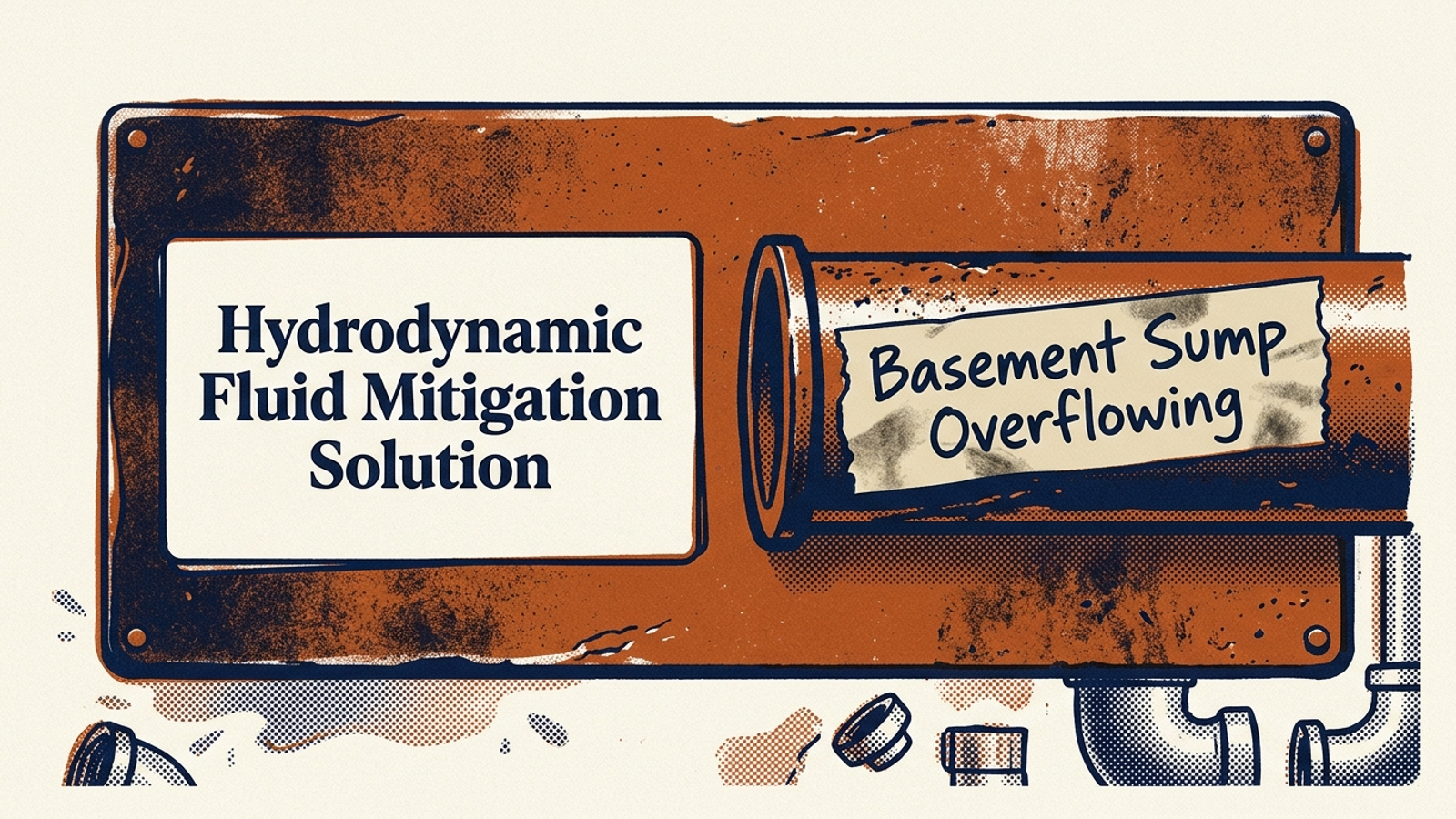
That vocabulary gap could cost money in Google Ads. Ad copy built around the brochure often failed to speak to the searcher’s situation, while broad match could carry spend into searches the business had no reason to pay for. Meanwhile, useful long-tail queries contained the awkward details that made a lead intelligible: equipment models, physical dimensions, regulatory deadlines. The phrases were harder to put on a campaign-planning slide. They were easier to act on.
Sales calls and support tickets were often more useful to me than another round of polishing the keyword taxonomy. They contained the nouns and verbs people used when they picked up the phone. I used that language to reconsider the ads and the pages behind them, then went back to the search terms report to see whether the account was meeting the right demand.
Start with the job ticket, not the pitch deck. Otherwise, you can spend weeks perfecting a vocabulary the buyer never uses.
Scene 3: The negative list shows the edge of the business
Late at night, even the negative keyword list began to look different. It was easy to treat it as a bin for “free,” “jobs,” “cheap,” and “template.” Add the obvious exclusions, stop paying for junk, move on. But a closer look at search term exclusions showed where the account’s assumptions met needs nobody had planned to address. Optmyzr’s discussion of managing negative keywords in Google Ads is a useful reminder that exclusion work involves more than maintaining a stock list.
Imagine exporting six months of exclusions from an account spending $25,000 a month. Among the irrelevant searches are requests for union-certified labor, state regulatory compliance deadlines, and four-hour disaster containment. They have triggered “facility repair contractor” and spent money without converting. Adding negatives stops that spend. It does not settle the question those searches raise.
Could the company actually do that work? If not, the exclusion is doing its job. If it can, but its site says nothing about the capability, the search term has exposed a different problem: the account found demand that the business could not explain on the page. I would not keep paying for the clicks while hoping a vague homepage sorted it out. I would take the language back to the people who knew the service and find out what answer the site was missing.
An excluded search can be junk, or it can be an unanswered buyer question. You have to read it before you decide which.
Scene 4: The same polished list appears in an AI dashboard
Move the scene forward to a SaaS founder’s AI visibility dashboard. Picture a strategy call: forty seed prompts across ChatGPT, Perplexity, and Claude, with high-nineties visibility scores glowing on screen. It looks like the brand is doing well until someone opens the prompt list. Then the old keyword spreadsheet appears in a new tab.
The tracker asks like a marketer, not a buyer
The prompts are immaculate: “What is the best enterprise churn prediction platform?” “Top customer retention software for B2B SaaS.” “Leading alternatives to ChurnZero.” Each sounds like a category page waiting to happen. None describes the Friday-afternoon mess that might send a buyer looking for help. Practitioners discussing generic AEO monitoring prompts have noticed how readily trackers settle on these tidy templates.
Now picture the buyer instead. They have lost five enterprise accounts, their Salesforce-to-Snowflake pipeline has broken, and churn alerts arrived 48 hours late. They want to know which platform works with their stack and catches an account-health dip before renewal without custom engineering. That is not a prettier version of “best churn software.” It contains an integration requirement, a timing failure, and an implementation constraint. The answer has to do more than name a category.
Across forty polished prompts, a tracker could miss every one of those details and still produce a handsome score.

A green score can hide the prompts you never entered
A dashboard reports on the questions it was given. Feed it category labels and branded language, and it can show how often the brand appears in answers to those prompts. It cannot tell you what happened when a buyer described the broken pipeline instead. That is the AI version of celebrating the performance of brand-name search while ignoring the terms that brought new prospects into the account.
LoudFace’s discussion of tracking AI visibility tools puts products such as Otterly and Peec AI in this monitoring conversation. The problem here is not a particular shade of dashboard green or a single vendor’s chart. A flat list of category prompts makes a flat account of buyer demand. The buyer’s technical constraints, and the competitors answering them, can sit outside the tracker altogether.
Scene 5: Build the missing report from buyer friction
The old search terms report was valuable precisely because it showed what happened beyond the keyword list. AI discovery offers no equivalent export of everything a prospect typed into ChatGPT or Perplexity before choosing a rival. SparkToro’s work on zero-click searches also helps explain why traffic alone cannot tell the whole story of search visibility. If a buyer gets enough of an answer without visiting a site, the usual trail is thinner.
So the reconstruction starts back where the keyword work did: sales conversations, support tickets, and closed-lost notes. Listen for the objection that delayed a deal or the operational detail a prospect had to repeat before anyone understood the problem. Then test that wording as a prompt and inspect the answer. Do not invent fifty smoother versions of a category keyword and call the result a buyer journey.
Look for the answer that cites the rival
A brand mention is not the same as being the source of an answer. An AI response might name several vendors, then draw the useful technical detail from one competitor’s page. MaxAEO discusses that distinction in its look at monitoring AI citations. Rather than tallying appearances, I would build a loss list of prompts where another source supplies the answer.
Take a prospect’s objection: “We can’t sign until we know whether your API supports batch webhook retries during database failover.” That sentence does not prove the prospect has asked an AI engine the same question. It does give you a buyer’s wording and a concrete question worth testing. If a competitor has documented its retry behavior while your site offers only “enterprise reliability,” compare what the AI answer can cite. The useful gap is the missing explanation, not a missing mention in a chart.
Test the question that held up the deal. A category prompt will not reveal whether your documentation answers it.
Find the page the answer needed
The landing-page version of this mistake was familiar. An industrial floor-coating advertiser could pay for broad match traffic and send every searcher to a homepage with stock photos of clean warehouses and “uncompromising quality” in the copy. A competitor’s page might instead compare epoxy and polyurethane cure times under 80% humidity and show a chemical resistance chart. One page gave the searcher adjectives; the other gave them something to evaluate.
The same distinction matters when an AI engine uses web content to answer a detailed question. Ten Point Labs’ discussion of AI SEO competitor gap analysis points toward the value of content that provides clear, extractable answers. A table, a documented limitation, or an explicit statement of how a process works gives an answer more to draw from than “we take enterprise compliance seriously.” Asky Labs frames AI citation gap analysis around identifying the information competitor pages supply.
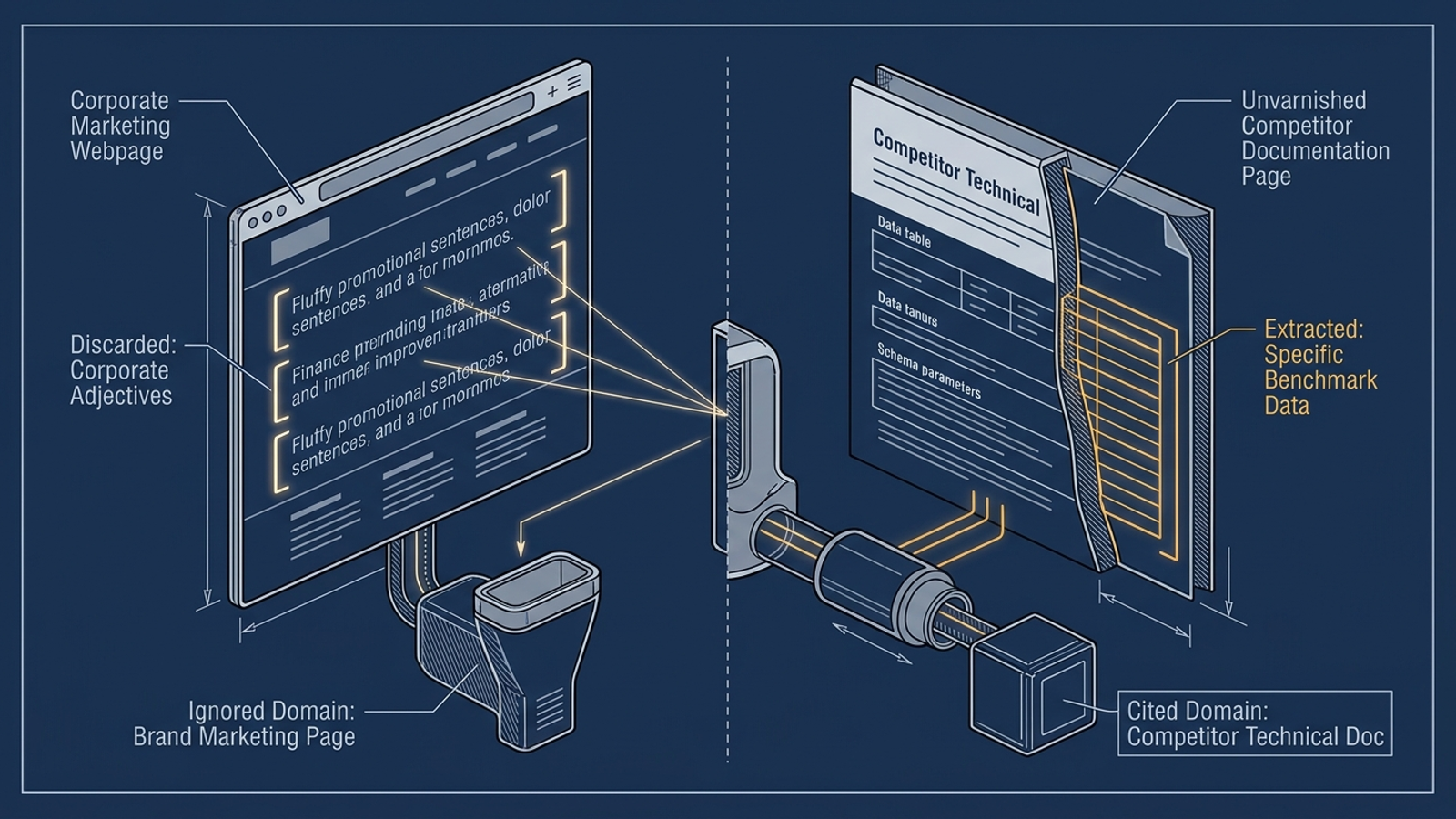
Suppose a buyer asks how two platforms handle SOC 2 Type II data retention when a workspace is terminated. If a competitor’s support document spells out a 30-day purge schedule and your security page offers no retention details, the prompt tracker is not the first thing to fix. The unanswered question is. Find out what your policy actually says, then publish an accurate, accessible explanation. The same applies to the webhook objection and the floor-coating comparison: the page has to answer the friction that brought the buyer there.
A conventional content gap may be described as a keyword one domain ranks for and another does not. Here, the more revealing gap is an answer your team gives on a call but has never put where a buyer, or an engine assembling a response, can find it.
Closing beat: Ask where the prompts came from
When a vendor or agency opens an AI visibility demo, I want to know one thing before I look at the score: Where did your prompts come from? If the list began as an LLM’s variations on your category keywords, or as a keyword database rewritten to sound conversational, the report may measure the language your marketing team already likes. It will not, on its own, uncover the uncomfortable questions in lost-deal notes and support tickets. A tracker priced for a small monthly budget and a larger enterprise suite can both inherit that weakness if nobody challenges the seed list.
That does not make the chart useless. It makes it too narrow to call a map of buyer demand. The report I would trust puts the messy prompt beside the answer it produced, shows which competitor supplied the cited detail, and identifies the page or proof point the business has not published. At groas, that is the connection between paid and organic search work: our autonomous growth engine runs across both, with a named strategist setting direction and guardrails, so clients are not left babysitting a dashboard and guessing which gap matters to revenue.
Back at 1:14 AM, the two windows still sat side by side. The polished list said “building envelope restoration.” Somewhere down in those 14,800 rows, a searcher had typed “roof leak above server room middle of night.”