
 LinkedIn
One marketer, 90 minutes a week, $0, 30 days. That is enough to find out whether ChatGPT, Gemini, Perplexity and Google AI Overviews mention your brand or name a competitor when buyers ask the questions that matter.
I learned the useful part of this job mining Google Ads search terms at 1am: keep the query fixed, look at what showed up, and sort the results into actions. You do not need monitoring software to start doing that with AI answers. You need 25 buyer prompts, three runs of each across four engines, and a sheet you will actually open next week.
Here is the constraint in full. Week 1 builds the prompt list and log. Weeks 2, 3 and 4 each produce one run of 25 prompts across four engines: 100 answers a week, 300 by the end of the month. No daily checks, sentiment scoring, share-of-voice dashboard or fifth engine. Those are cuts, not omissions I forgot to mention. The point is to learn which prompts mention you, which do not, and which competitor URLs keep appearing in your place.
The sheet will not prove that an answer caused a sale. It will give you a fix list. For $0, that is a good first month.
1. Week 1: spend 30 minutes on buyer prompts, 60 on the sheet
I used to tell clients to brainstorm keywords for AI tracking. I was wrong. Brainstorming produces what you wish buyers asked. Sales calls, search terms and support messages show you what they actually ask.
Build a fixed list of 25 prompts from customer language, not a list of topics you plan to expand whenever an answer surprises you. Use this split:
- Five from sales calls: the questions buyers ask before price comes up.
- Ten from Search Console and Google Ads search terms: favour queries tied to enquiries or conversions you already recognise.
- Ten from support emails and reviews: especially questions that reveal a choice, objection or comparison.
Include branded, unbranded and direct-comparison prompts. For a plumber, that might mean best emergency plumber in Austin, tankless vs tank water heater cost for 3 bath home, and [your brand] vs [competitor] for drain replacement. Keep the buyer’s wording. Do not tidy it into copy your marketing team prefers.
Cut long-tail expansion to 50 prompts. Cut any question you would not care to appear for if it came through paid search. Twenty-five prompts you rerun beat 100 you track once and abandon. Save the final wording somewhere you will not overwrite it; changing the question halfway through changes the test.
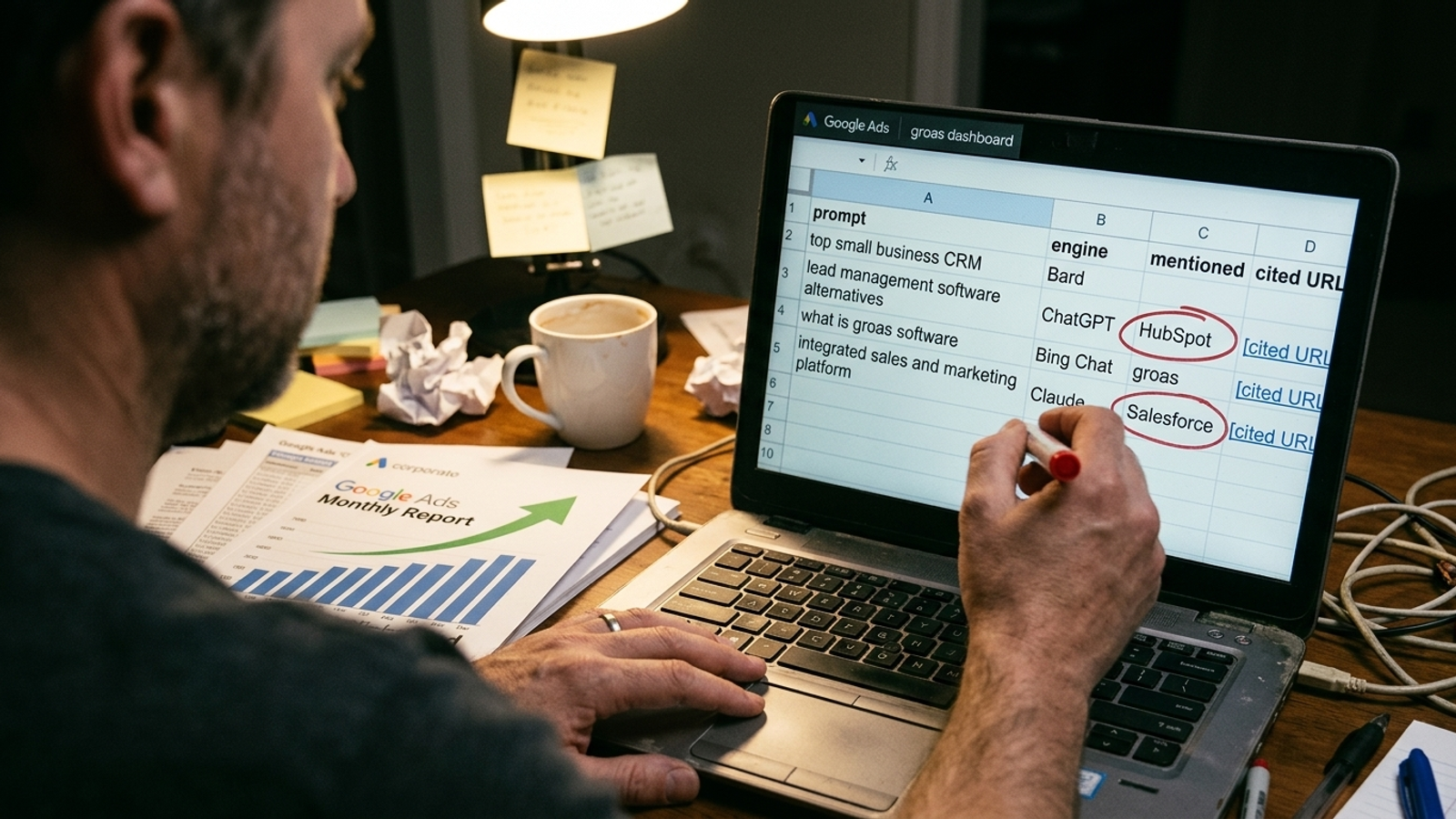
Use the other 60 minutes to build two tabs: a log and a weekly summary. The log needs seven fields:
- Date and location
- Engine
- Exact prompt text
- Brand mentioned? Y/N
- Your domain cited? Y/N, with URL if cited
- Position in the answer: first, later or footnote
- Competitor named, with its cited URL if there is one
That captures the useful distinction between a mention, a citation and a position in the answer. Put the run’s location and session conditions in a note at the top. The weekly tab can stay almost empty until Week 3; set up a place for counts by engine and a short list of gaps.
What the week buys: a test you can repeat. If a field will not change a decision in Week 4, leave it out. Tone and sentiment can wait.
2. Week 2: spend 90 minutes on the first 100 answers
Run each of the 25 prompts once in ChatGPT, Gemini, Perplexity and Google AI Overviews. Paste the wording exactly as saved. Use clean, logged-out sessions and a consistent locale; record the date and location. Keep the session approach the same next week. I use the same rule I used for search terms: if the query or conditions change, do not pretend the results are comparable.
A hundred answers in 90 minutes leaves roughly 54 seconds per answer, including logging. Keep the entries terse. Mark whether the brand appears, whether your domain is linked, where you appear, and which competitor is named or cited. Copy the cited URL; do not spend five minutes reading the page yet. If an AI Overview does not appear for a query, record that instead of inventing a position for it.
This is a collection week, not a diagnosis week. An answer can change between runs, which is why one screenshot is a poor basis for rewriting a page. Repeated checks show how often visibility changes. You have two more passes scheduled. Resist the urge to change the prompt after an awkward result; that awkward result is part of the log.
What gets cut here is the tempting detour: no competitor-site audit, no copy edits, no report deck. Finish the run first. If logging every answer takes longer than planned, shorten your notes, not the prompt list or the number of engines. A cell that says N / N / competitor URL is more useful than a paragraph you never have time to compare.
What the week buys: a baseline, not a verdict. You now know what appeared once; you do not yet know what keeps appearing.
3. Week 3: spend 60 minutes rerunning, 30 mining the log
Run the same 25 prompts across the same four engines. Keep the wording, locale and logging rules fixed. To fit the hour, paste, scan and enter the same short fields you used in Week 2. Then spend the remaining 30 minutes filtering the two runs like a search terms report.
Look for two kinds of rows:
- Missing prompts: your brand appears in neither run. Write down the question and the URLs that were cited instead, if any.
- Repeated competitor placements: the same competitor appears twice for a prompt, especially when the same page is cited both times. Save that URL for Week 4.
Do not call a two-run pattern a trend. Treat it as a shortlist worth checking on the third pass. Likewise, do not collapse mentions and citations into one score. A brand can be named without a link, or a page can be linked without the answer naming its brand. Track mention and citation separately, because the next question differs: do you need a page that answers the prompt, a clearer answer on an existing page, or a better way for a reader to connect the cited page to your business?
I would rather have a short list of exact prompts and URLs than a polished chart called AI presence. The URL lets you inspect what the answer chose. A score alone cannot tell you what to write on Monday.
What the week buys: a shortlist of gaps to confirm, not permission to rebuild your site after two screenshots. If you appear zero times for a buyer question, identify the page that should answer it before you debate the answer’s tone.
4. Week 4: spend 60 minutes on the third run, 30 on decisions
One last pass: the same 25 prompts, the same four engines, the same conditions and fields. You now have up to 300 logged answers, with three chances for each prompt on each engine. Keep the final 30 minutes for counting and choosing fixes, not writing the fixes.
For each engine, count the prompts where your brand appeared in at least two of three runs, then divide by 25. Call that your repeat-mention rate, not your share of the entire AI market. Do the same for prompts where your domain was cited at least twice. Keep prompts where you were mentioned once out of the repeat count, but do not delete them from the log; one appearance is different from none.
Then make a five-item fix list. Start with prompts where you appeared 0 of 3 and a competitor appeared 3 of 3. If an AI Overview appeared, note whether your domain was among its inline sources and what the answer actually said. Keep the cited URL beside the prompt. That pairing is the part you can act on.
Sort each gap into one of three jobs:
- Missing page: no page on your site directly answers the buyer’s question. Write one that does.
- Weak page: a relevant page exists, but another page keeps getting cited. Inspect the cited page, then make yours answer the question plainly near the top, with the facts and price information you can support. Aim for an opening answer a model could quote in about 40 words.
- Missing third-party presence: comparison answers repeatedly draw on review sites or listicles that do not name you. More posts on your own blog will not, by themselves, put you on those pages. Work on that absence instead.
Fix in that order when all three apply. One missing buyer page beats ten cosmetic changes to a page that already gets cited. And keep the fix list to five items. A month of observation should tell you what to work on first, not generate a second spreadsheet of aspirations.
What the week buys: named prompts, repeat counts and URLs behind your first five decisions. The monitoring was never the finished work.
5. Still within 90 minutes: trade ten review minutes for a traffic check
The sheet measures answers. It does not measure how much traffic those answers sent you, and a mention is not a conversion. If you need a traffic check in Week 4, take ten minutes from the 30-minute decision block. Do not quietly turn this into a 100-minute plan.
Open Search Console to see what is happening to your Google search performance, and check GA4 for referrals such as chat.openai.com and perplexity.ai. Keep the measures separate. A referral from an AI service is not a count of every person who saw your brand in an answer. A change in Google search performance does not, by itself, prove an AI Overview caused it. Your prompt log answers a narrower question: when I asked these buyer questions under these conditions, did I appear?
That narrower question is enough to choose a page to improve. Do not spend the ten minutes trying to turn three different reports into an attribution model they cannot give you. Use them as a check on what else is happening, then return to the five prompts and cited URLs you can actually inspect.
What gets cut: a claim that the sheet measures revenue. It measures visibility for a fixed set of buyer questions. Keep the distinction or you will make a confident decision from the wrong number.
6. When the 90-minute limit breaks, buy back the runs
Manual tracking is free the way my 1am negative mining was free: no software invoice, but someone still does the work. More prompts, more engines or more frequent checks will push past 90 minutes. Manual monitoring becomes harder to sustain as the prompt list grows. The warning signs are less dramatic than a dashboard alert: you start skipping Perplexity, changing prompt wording between runs, or postponing the log because another task took the hour.
That is when I would pay for runs, not charts. My shortlist for a tool is blunt:
- A fixed prompt list with version history, so a wording change cannot masquerade as a visibility gain.
- Repeatable checks across ChatGPT, Gemini, Perplexity and AI Overviews.
- Separate mention and citation tracking, with competitor URLs retained.
- An alert when a prompt you repeatedly appeared for stops mentioning you, rather than a PDF at month end.
If a demo leads with share-of-voice dials but cannot show me the cited URL behind an answer, I walk. The page behind the answer is what gives you something to fix.
There is a price ladder if you reach that point: Otterly starts around $29 a month for 15 prompts, Peec about $95 a month for 50 prompts on one project, while Semrush and Ahrefs sit near $99 per domain and $199 per engine. Enterprise tools such as Profound run $2,000 to $4,000 a month. Those are planning figures, not a reason to start shopping before your first run.
Stay on the spreadsheet while one marketer can finish the 25-prompt run inside 90 minutes. When that stops being true, buy the least expensive setup that preserves your prompts and shows the competitor URLs. You are buying back the collection time so you can spend it on the fixes.
The first month should leave you with buyer questions where your name never appears and competitor pages that keep getting cited instead. Write the missing page. Rewrite the weak one. Pursue the third-party mention your comparison prompts expose. When you would rather hand off that whole loop, look at a done-for-you AI visibility service that owns the fixes, not just the tracking. Until the constraint lifts, keep the timer. The point of the sheet is to know what to do when it rings.