

 LinkedIn
Before you commission another article to win AI citations, check whether an answer engine can read the pages you already have. Too many businesses treat missing mentions in ChatGPT and AI Overviews as a writing problem when the first problem is access: a blocked crawler, an edge rule that returns 403, or an answer trapped behind JavaScript.
I learned the order of operations in paid search. When leads dried up, I used to rewrite ads first. I was wrong. Check tracking before you blame copy, and check bot access before you blame content. Here is the equivalent check for AI search: confirm which crawlers you allow, prove a real one fetched the page, then make sure the answer was present in what it received. Only then decide what to write next.
Why check access before you change the content?
In paid search, I stopped trusting the ad account until I had checked that the thank-you-page tag fired. More than once, a client wanted new headlines when a tag broken during a site update was reporting half the leads. The headline was not the fault. The measurement was.
AI visibility has a similar first check. Google says eligibility for AI Overviews and AI Mode depends on a page being indexed and eligible for a snippet. Its guidance covers crawling access at the robots.txt, CDN and hosting layers, along with internal links, textual content and schema that matches what users see. If a page fails at the access layer, a better paragraph on that page cannot rescue it.
Skip the check and you may pay twice: once for pages a fetcher never loads, then again to remove the block. I have seen accounts where 80% of supposed AI bot hits were junk once verified. The dashboard showed activity; the relevant crawlers had not necessarily seen the content. Content work starts after you prove a real bot fetched a real page and could read it. Treat that as your control before you change the creative.
Step 1: Is robots.txt letting the right AI bots in?
OpenAI does not use one crawler for every job. Its agents have different robots.txt tokens: GPTBot crawls for training, OAI-SearchBot indexes for ChatGPT search, and ChatGPT-User fetches a page in response to a user request. Do not collapse those into a single “allow AI” decision. Blocking GPTBot is a training choice. Blocking OAI-SearchBot also blocks the crawler used for ChatGPT search indexing. A blanket OpenAI rule can therefore shut out the very retrieval path you meant to keep.
For a publisher that wants to opt out of training while remaining available to ChatGPT search and user-triggered fetches, the practical split is straightforward:
- Disallow GPTBot for training.
- Allow OAI-SearchBot for search indexing.
- Allow ChatGPT-User for user-triggered page fetches.
That is a policy choice, not a rule every site must adopt. Make it deliberately, per agent, rather than inheriting an old blanket block.
Then test the layer a robots.txt checker cannot see. After Cloudflare retired Managed robots.txt on September 15, blocks disappeared from the file, but 336 of 422 sites still returned 403 to GPTBot and ClaudeBot at the edge while letting PerplexityBot through. A clean file does not mean the CDN or firewall will serve the page. If you need rules to work from, use the AI crawler swipe file instead of writing them from memory. Check the rule, then check the response. An allowed bot that gets a 403 is still blocked.
Step 2: Did a real bot fetch the page?
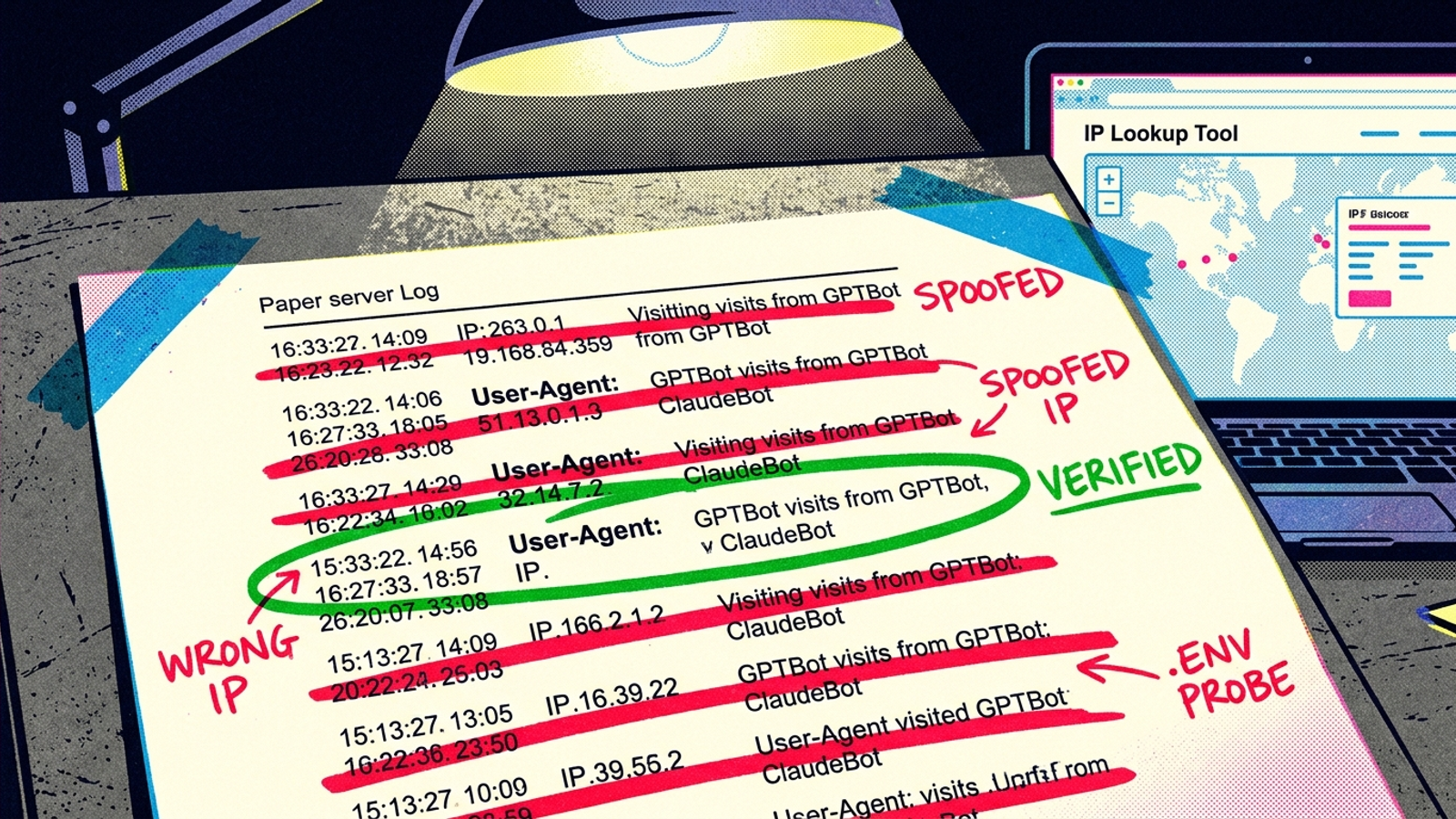
Your log tells you what a visitor called itself. It does not, by itself, tell you who visited. Anyone can put GPTBot in a user-agent header, so match the connecting IP against OpenAI’s published JSON lists before you count the request as genuine. The header is a claim. The IP is the check.
This is not a fussy distinction for people who enjoy looking at logs. On one small, unpromoted domain over two weeks, only 6 of 33 claimed live AI-assistant fetches were real, and only 107 of 799 Googlebot-claimed requests came from verified Google IPs. Spoofed ChatGPT-User requests were hunting .env and configuration files, not reading the site’s answers. I break down the same reporting trap with our own numbers in what our edge logs say about AEO reporting.
For each request you count, keep the page, response and verified identity together. A genuine request for an irrelevant URL does not prove your answer page was fetched. A genuine request that received a block does not prove it was read. And a convincing-looking user-agent with an IP outside the published ranges should not appear on your AI-visibility scoreboard at all.
Separate verified retrieval from training crawls before you interpret the total. One concerns access to answers now; the other serves a different purpose. A large combined bot-traffic number can hide a complete absence of the fetches you were trying to measure.
Step 3: Can the fetcher read the page without JavaScript?
A successful fetch only proves the bot got a response. It does not prove the response contained your answer. Testing found that GPTBot, OAI-SearchBot, ChatGPT-User, ClaudeBot, Meta-ExternalAgent, Bytespider and PerplexityBot did not render JavaScript, while Gemini via Googlebot infrastructure did. ChatGPT crawlers downloaded JS files in 11.5% of requests but did not execute them. Your page can look complete in a browser, rank in Google and still deliver an empty answer area to another fetcher. Same URL. Different reader.
The missing piece is often not the whole page. Pricing pulled from APIs, specifications, comparison grids, review widgets, FAQ accordions and tabbed content can be absent from raw HTML while the page looks normal to a visitor. That is why I audit answer units, not just templates. An audit that says “the product page loads” misses the point if its price or comparison is the part that does not.
Pick 15 to 25 buying questions your best pages should answer. For each one, check in this order:
- Open View Source and look for the actual answer, including its numbers, names and conditions.
- Reload with JavaScript disabled. Can you still read that answer?
- Compare a text-only crawl with a JavaScript-enabled crawl. Note which answer passages appear only after scripts run.
If the answer exists only after the script runs, fix delivery before you rewrite it. Server-render the answer passage. Leave the interactive widget for humans. The visitor can still have the interface; the fetcher needs the words.
Step 4: Does the page offer a quotable answer in plain HTML?
Once the fetcher can see the page, make its answer easy to find. A passage that begins with the conclusion and uses the language of the question is easier to lift into a response than one that makes the reader work through three paragraphs of setup. This is not a request to flatten the whole article into canned copy. It is a request to put the answer where both a hurried person and a fetcher can find it.
I use a 40- to 60-word answer near the top of a relevant section, under a heading phrased like the buying question. Put the numbers, names and conditions in that visible passage, then develop the detail underneath. If the answer needs three paragraphs of context before it makes sense, fix the passage before adding another page.
Schema has a job, but it cannot stand in for visible text. In a matched test of 1,885 pages that added JSON-LD, researchers found no measurable citation lift: AI Mode +2.4%, ChatGPT +2.2% and AI Overviews -4.6%. In a separate retrieval test from the same study, none of five AI systems could use prices hidden only in schema. Google says schema should match visible text. Keep it accurate, but do not use it as a hiding place for the answer.
Step 5: Do links and sitemaps lead to those answers?
A readable answer page still needs a route in. Google includes internal links in its guidance, and links give crawlers a path to pages that otherwise sit apart from the rest of the site. I link the three to five pages I most want found from the homepage or a main category page, using anchor text that says what each page answers. An orphaned guide buried four clicks deep and absent from navigation is harder to discover. Do not make a crawler guess that it matters.
Give the XML sitemap the same discipline:
- Keep it to indexable answer pages, not tags, faceted URLs or 404s.
- List the canonical URL and update
lastmodonly when the content changes. - Split sitemaps by section so you can spot where fetching stops.
- Remove a page when you noindex it.
The sitemap is not a substitute for internal links, and internal links do not excuse a stale sitemap. If the page is missing from both, you have made discovery harder twice. Fix the route before you pay to produce another destination.

Step 6: What should a tool fix, and what needs your call?
A tool can check repeatable facts at scale. It can diff robots.txt across subdomains, flag an edge 403 a file checker missed, find answer units that render blank without JavaScript, spot schema that contradicts visible text and catch a sitemap still listing pages you noindexed in March. That is execution work. It should run daily, not wait for a quarterly audit. If a human hand-checks 200 URLs once a quarter, you do not have a process. You have a hope.
A human still owns the calls a diff cannot make: whether to allow training crawlers or only live-answer fetchers; whether pricing belongs in plain HTML when competitors hide it; which three pages get homepage links when ten teams want the slot. I used to tell clients automation would replace judgment. I was wrong. It replaces checking, so judgment has a chance to happen before the next quarterly meeting.
Which tools help you get featured rather than just monitored?
Most AI visibility tools watch the scoreboard. They run prompts, count mentions and chart share of voice across ChatGPT and Perplexity. That has value once your pages are accessible. It does not change a 403 or put an answer into an empty HTML shell. What the deck calls “visibility tracking,” I call watching the game from the parking lot. Useful view. No points scored.
If a report shows zero citations and your logs show zero verified fetches, start with access work, not another chart. Look for a tool or process that checks the failure points in order: agent-specific robots.txt rules, edge responses, verified IPs, answer passages in raw HTML, schema against visible text and sitemap consistency. It should tell you what failed and what changed, not just draw a line around the absence of citations. That is the distinction I look for in tools that help you get featured in Google AI Overviews, not just monitored. Buy execution and verification. Rent monitoring after access is proven.
When is access solved and content work allowed back in?
Wait for evidence of retrieval, not a higher dashboard score. I want to see verified live-answer fetchers hitting my five to ten money pages for two weeks running, with the answer passage intact in the HTML they can receive. That does not promise a citation. It tells me I can stop blaming an obvious access failure and start judging the answer itself.
Keep training crawls separate. On one test domain, ClaudeBot was the most active verified crawler at 166 confirmed crawls, ahead of verified Googlebot at 107 and GPTBot at 46. Those totals tell you about crawling, not who quoted a page today. Even a verified single-page fetch near a prompt test proves access, not the final wording of an answer. Make that distinction before you brief a writer to solve a problem the logs have not diagnosed.
Do the first check today: pull seven days of edge or server logs, filter for the AI user agents you allow and verify their IPs against the published lists. Throw out the spoofs. Then load your top three answer pages with JavaScript off. If either check fails, you have your work order: fix the block, server-render the passage and link the page where crawlers can find it. No new articles until one verified bot can read one real answer end to end.