

 LinkedIn
Most AI visibility tools will tell you your business is missing from an answer. My pick for a small business that cannot spare staff time to fix that gap is done-for-you autonomous execution: it is the only category in this ranking built to carry a finding through to a live change.
Prompt trackers rank last, even though they are often the first thing a small business buys. A $29 monitor and a larger enterprise dashboard can both show you the same uncomfortable chart. Neither writes the missing answer, fixes a crawler block, or publishes a page while you are handling customer calls.
I know why the dashboard is tempting. You try a few buyer questions in ChatGPT or Perplexity, see a competitor cited instead of your product, and want a number you can watch. Thirty days later, you may have more red graphs, more prompts, and a longer to-do list. The software did its job. The work did not get done.
The ranking criterion is simple: what happens the day after a tool flags a missing citation? A study led by SparkToro and Gumshoe.ai found that large language models returned the exact same list of recommended brands less than 1% of the time across 2,961 test prompts, and the identical order less than 0.1% of the time. A single prompt position is a shaky thing to manage toward.
That does not make measurement useless. It means I rank a tool by how far it helps you get from an observed gap to something an answer engine can actually retrieve: accessible pages, clear factual answers, useful comparisons, and published changes. The closer it gets to that last step, the higher it ranks.
6. Prompt-mention trackers: the chart arrives before the fix
Tools like Otterly.ai, with a $29-a-month 15-prompt Lite tier and a $189-a-month 100-prompt tier, run selected questions on a schedule and record whether your brand appears. Enterprise platforms like Profound serve a similar monitoring need at a different scale. The resulting charts can show mentions, engine breakdowns, and sentiment. If a CEO wants a recurring slide on whether ChatGPT or Claude mentions the company for a chosen set of questions, a prompt tracker produces that slide.

The trouble starts when that slide becomes the plan. Search Engine Journal reports that, across 142 participants expressing the same purchase intent in natural language, recommendation lists ranged from two to ten brands. Sampling a short, fixed prompt list once a week can tell you what happened in those runs. It cannot tell you that a one-position move represents a durable change in how buyers encounter you.
And a mention is not necessarily a visit. HubSpot’s search analytics research says roughly 80% of ChatGPT brand recommendations lack clickable links. Practitioner evaluations from Fluenta and The Ambitions Agency make the broader distinction: these tools are stronger at diagnosis than treatment. An alert cannot update a definition, build a comparison table, or resolve a server error.
- Who it is for: Brand marketers who need a scheduled view of selected prompts for executive reporting.
- The one thing it does better: Samples the same prompt strings across AI interfaces without someone repeating the checks by hand.
- The one thing that rules it out: The subscription buys monitoring, not operational throughput. Tracking 50 to 100 prompts can cost $189 to $399 a month without fixing a page.
- What stays on your desk: Researching omissions, rewriting content, formatting comparisons, and checking crawler access.
Buy it for reporting, not for the expectation that the report will fix itself.
5. DIY monitoring: keep the cash, do the checks
If all you need is an occasional reality check, a spreadsheet can do the monitoring job. Write down twenty-five questions customers ask before buying. Run them through ChatGPT, Perplexity, and Google AI Overviews on the first Monday of each month, then record what appears. You will not get a polished sentiment dashboard. You will see the answers behind your own buyer questions without adding another subscription.
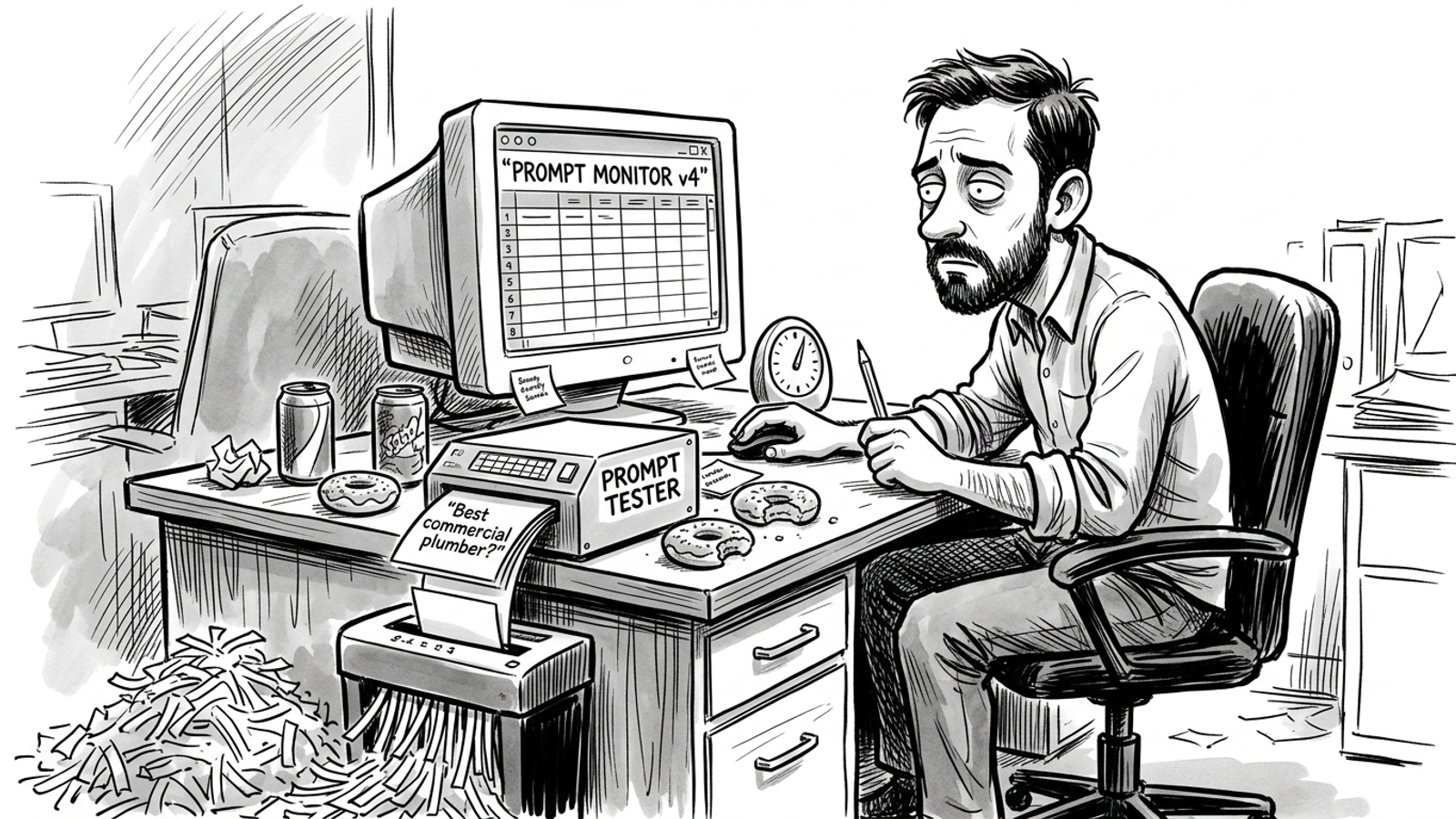
I rank this above paid prompt tracking because it spends less on the same basic task: checking whether you appear. That matters when the budget could instead go toward work on the site. The tradeoff is reliability. Manual checks take time; an automated setup needs maintenance; either habit is easy to abandon when customer work gets loud.
- Who it is for: Bootstrapped founders, solo operators, and small teams that want an occasional check rather than an executive dashboard.
- The one thing it does better: Removes the software fee while keeping the underlying buyer questions in view.
- The one thing that rules it out: Manual friction. The checks can stall precisely when the business gets busy.
- What stays on your desk: Diagnosing the omissions, drafting answers, building schema, and publishing changes.
Use the spreadsheet to choose work, not to create a second job measuring work you never ship.
4. Content-gap analyzers: a better assignment, not a finished page
Content-gap tools move past the question Did we appear? They examine pages that are being cited and identify topics, entities, questions, or structured details your content leaves out. Say three cited competitors explain installation costs, licensing requirements, and warranty terms while your page offers three paragraphs of sales copy. A gap report can point to those missing details rather than merely colouring your brand mention red.
That is a useful step toward getting featured in Google AI Overviews rather than just monitored. It is still a step. Someone must decide which gaps matter, verify the facts, write the sections, and publish them. A list of twelve missing subtopics is an assignment, not twelve new pages.
- Who it is for: In-house writers and SEO specialists with time set aside to revise existing pages.
- The one thing it does better: Turns a vague visibility gap into specific content questions and attributes to address.
- The one thing that rules it out: Its output does not change the live site until your team acts on it.
- What stays on your desk: Drafting direct answers, formatting tables, updating links, and getting revisions approved.
If nobody owns the publishing queue, a more precise brief only makes the queue more precise.
3. Technical SEO crawlers: find the blocked door
Technical crawlers rank third because they can uncover a different kind of problem: a page that is difficult for a crawler to fetch or parse. If a relevant bot receives a 403 error instead of your page, better wording on that page will not solve the access problem. A crawl can show you the response and give a developer something concrete to investigate.
The issue is not imaginary. Screaming Frog found that 75% of leading media websites in its research blocked at least one AI bot through robots.txt or edge headers; GPTBot was blocked by 58% of surveyed domains. A small-business block might also come from a firewall setting or a page whose useful content depends on client-side rendering. The crawler helps you see what a user-agent receives rather than assuming a page is accessible because it loads in your own browser.
Access is a prerequisite for that crawler to use the page, not a promise of a citation. A clean response leaves the harder editorial question untouched: is there a clear answer worth extracting?
- Who it is for: Developers, technical operators, and site managers responsible for crawl access and page rendering.
- The one thing it does better: Finds concrete access and parsing problems, including blocked responses and missing rendered content.
- The one thing that rules it out: Fixing the plumbing does not supply the answer the page was missing.
- What stays on your desk: The site fixes the report identifies, plus the content, comparisons, and structured information you want engines to find.
Run the crawl when you suspect a blocked door. Do not mistake an open door for a reason to come inside.
2. Content optimizers: closer to the answer, short of publication
Content optimization tools work on the material an answer engine may retrieve. Tools such as Clearscope, Surfer, and on-page brief generators analyze pages and suggest topics, headings, entities, and formats for a writer to consider. They can help turn a vague marketing paragraph into a direct definition or show where a comparison needs actual attributes instead of adjectives.
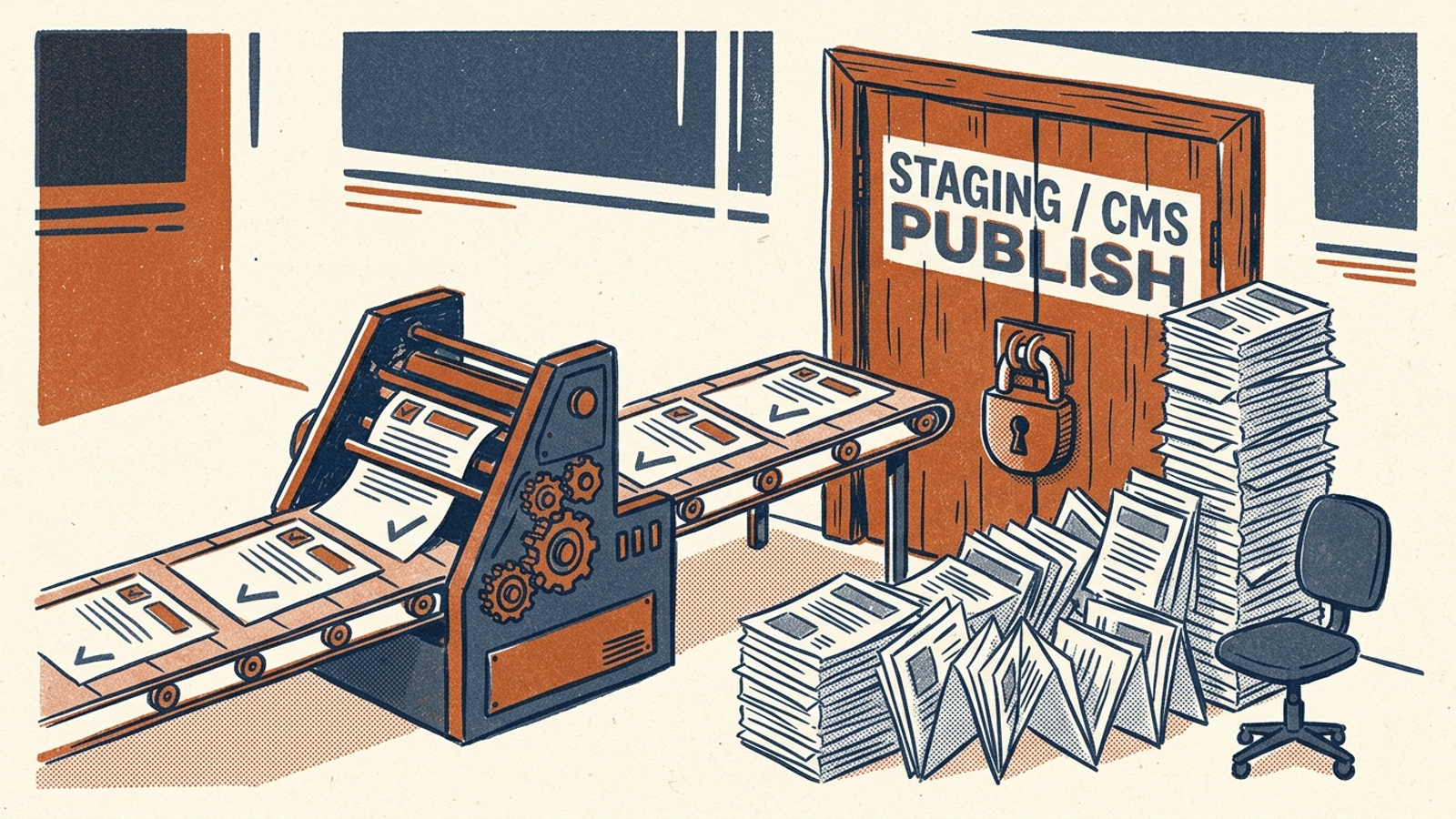
This category earns second place because a better draft is closer to a fix than another visibility chart. The bottleneck is the distance from editor to live page. A person still has to check the suggested facts, make the wording sound like the business, format the page, get approval, and publish it in WordPress or Webflow. A 92-out-of-100 score inside an editor does nothing for a page that remains in a shared folder.
For a team with a writer and protected publishing time, that is a manageable tradeoff. For a lean team treating content work as whatever fits between urgent requests, it is the same unfinished-work problem with nicer drafts.
- Who it is for: Teams with writers who can regularly edit, format, and publish site updates.
- The one thing it does better: Helps shape definitions, comparisons, and page structure before they go live.
- The one thing that rules it out: It cannot remove your team’s editorial and publishing bottleneck.
- What stays on your desk: Fact-checking drafts, building page layouts, pushing CMS updates, and checking the published result.
Buy this category when publishing time already exists on the calendar, not when you hope the tool will create it.
1. Done-for-you execution: the fix reaches the site
Done-for-you autonomous execution takes the top spot because it is organised around completing work after diagnosis. In the model offered by groas, specialised models work with a named human strategist and agreed business guardrails. They identify gaps, draft direct-answer content and comparisons, check crawler access, and make site changes. Actions are recorded in a log with the reasoning behind them.
That is the relevant distinction when comparing an AI visibility tracker, SEO suite, and done-for-you model. A tracker tells you what happened in its sample. An optimizer helps a writer prepare a change. Execution takes responsibility for getting the change live. It still needs direction and factual review; autonomy is not a licence to publish whatever sounds plausible.
Through groas for businesses, organic search and AI visibility run together on a flat fee: $7,500 for the first 90 days, then $2,000 a month. Its 90-day performance guarantee says that if targets agreed against your baseline are missed on day 90, groas works for free for up to another 90 days. That is a different commitment from selling another screen of omissions. It is also a larger commitment than a monitoring subscription, so the fit depends on whether you have enough business at stake and too little internal capacity to do the work yourself.
- Who it is for: Established small businesses, B2B companies, and lean growth teams that need site changes but cannot give staff weekly writing and deployment hours.
- The one thing it does better: Carries a detected gap through drafting, technical work, and publication, with logged actions and human strategic ownership.
- The one thing that rules it out: A business that requires four layers of approval for every line will struggle with the pace of autonomous execution.
- What stays on your desk: Setting direction and guardrails, reviewing progress and lead quality, and holding the work accountable to business outcomes.
The point is not to own fewer dashboards. It is to leave fewer identified fixes sitting in them.
The ranking at a glance
| Rank and category | What you get after detection | What still needs a person | Main reason to choose it |
|---|---|---|---|
| 6. Prompt-mention trackers | Scheduled mention reports | Diagnosis and every site change | Recurring executive reporting |
| 5. DIY monitoring | A record of your own buyer-query checks | Diagnosis and every site change | Occasional checks without a software fee |
| 4. Content-gap analyzers | Specific content assignments | Writing, approval, and publication | A clearer editorial queue |
| 3. Technical SEO crawlers | Access and parsing findings | Technical fixes and content work | Investigating crawl barriers |
| 2. Content optimizers | Briefs, suggestions, and drafts | Review, formatting, and publication | Supporting an active writing team |
| 1. Done-for-you execution | Logged work carried through to live changes | Direction, guardrails, and accountability | Shipping without building an internal production queue |
The popular option I left out: legacy SEO suites. Ahrefs and Semrush remain useful for classic search work such as keyword research and backlink analysis. I did not give traditional suites a separate rank here because adding AI mention tracking to an existing SEO workflow does not, by itself, answer this roundup’s question: who makes the missing answer or blocked page better tomorrow? If that is the job you need done, evaluate the work after the report, not the number of charts in it.
The verdict depends on who can ship. If you are a solo operator or early-stage business spending under $5,000 a month on marketing, skip paid AI visibility software. Run the twenty-five buyer questions monthly and spend your available hours writing plain-English answers to questions customers actually ask. A broader prompt sample will not compensate for an untouched website.
If you have dedicated writers and protected development time, pair a technical crawler with a content optimizer. Put time on the calendar to review, code, and publish what they find. Otherwise, you have bought two better-organised to-do lists.
If you have an established business, revenue to defend, and no spare team to turn reports into live pages, pick done-for-you autonomous execution. It ranks first for the reader who skipped here for the same reason it ranked first at the start: the day after the gap appears, the job is to fix and publish something, not admire the graph.